
For any business with guests
Answer your guests’ questions the way your team would.
Launch turns your services, prices and policies into an assistant guests reach from a link or QR code. It answers from what you wrote.
- Free for guests
- Opens in any phone browser
- Answers from what you wrote
How it works
From what you know to a link your guests can ask.
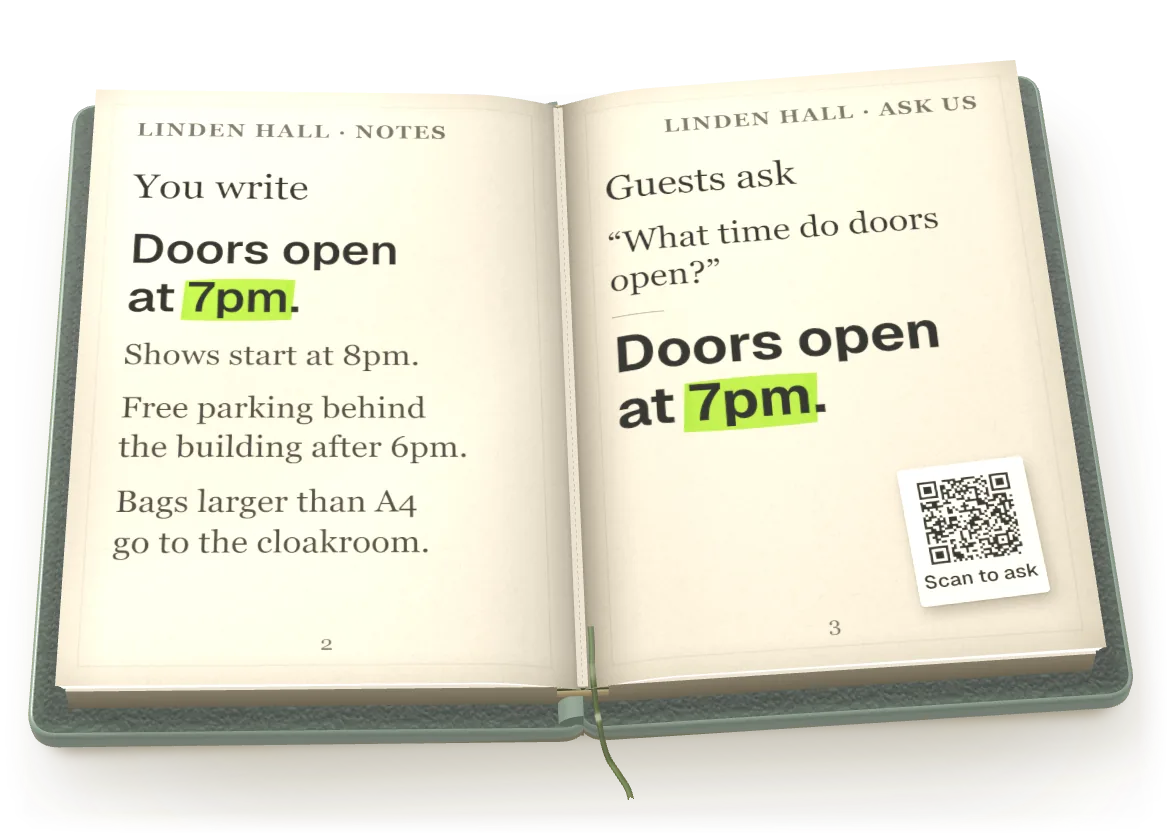
Write down what your team answers every day. The assistant gives guests the same answers, from what you wrote.
Write what you know.
Fill in the instructions: hours, prices, how booking works and the questions you hear most. Add files like a brochure or price list.
Ask it like a guest would.
Tap a starter question in the preview, or type your own. If an answer isn’t right, change the instructions and ask again.
Share one link or QR code.
Make a link, then copy it, download the QR code or print a card for your counter, tables or door. Guests sign in once with Google or Apple.
Where it fits
If guests ask you things, it fits.
A few examples. Launch answers from what you wrote, under your business’s name.
Venues and theaters · Linden Hall
“Is there step-free access?”
Yes, the step-free entrance is on Mill Lane.
“Can I swap my tickets to Sunday?”
Yes, up to 48 hours before the show.
Restaurants and cafés · Table & Elm
“Is the soup vegetarian?”
Yes, the roasted tomato soup is vegetarian.
Clinics and offices · Harbor Dental
“What should I bring to my first visit?”
Your insurance card and a photo ID.
Hotels and guest houses · The Wren
“Can we check in early?”
From 1pm if your room is ready.
Running a restaurant or café?
See the restaurant pageQuestions, answered
What owners ask before they start.
Still deciding whether Launch fits your business? Write to us and we’ll walk through it with you.
Contact the teamDo guests need to download anything?
No. Guests open your link or scan your QR code, sign in with Google or Apple, and ask in their browser.
Why do guests sign in?
Each guest signs in with Google or Apple, so their chats stay theirs and you can remove a guest later.
Can I see what guests ask?
No. A guest’s chats are private to them. You see who joined and you can remove a guest.
Where do the answers come from?
From the notes and files you add. If you turn on “Look things up online”, it can also check the web.
Who pays?
Your business pays for what guests use, from its balance or plan. Guests never pay.
What happens if I rotate my link?
The old link and every printed QR code or table card stop working. Guests who already joined keep access.
Put your answers wherever your guests are.
Start with the ten questions you hear most. Share the link tomorrow.