
For restaurants and cafés
Every table’s questions, answered from your menu.
Write down what your staff answer all day. Guests scan the card on the table and get answers from your menu and notes.
- Free for guests
- Opens in any phone browser
- Answers from what you wrote
How it works
The life of a table card.
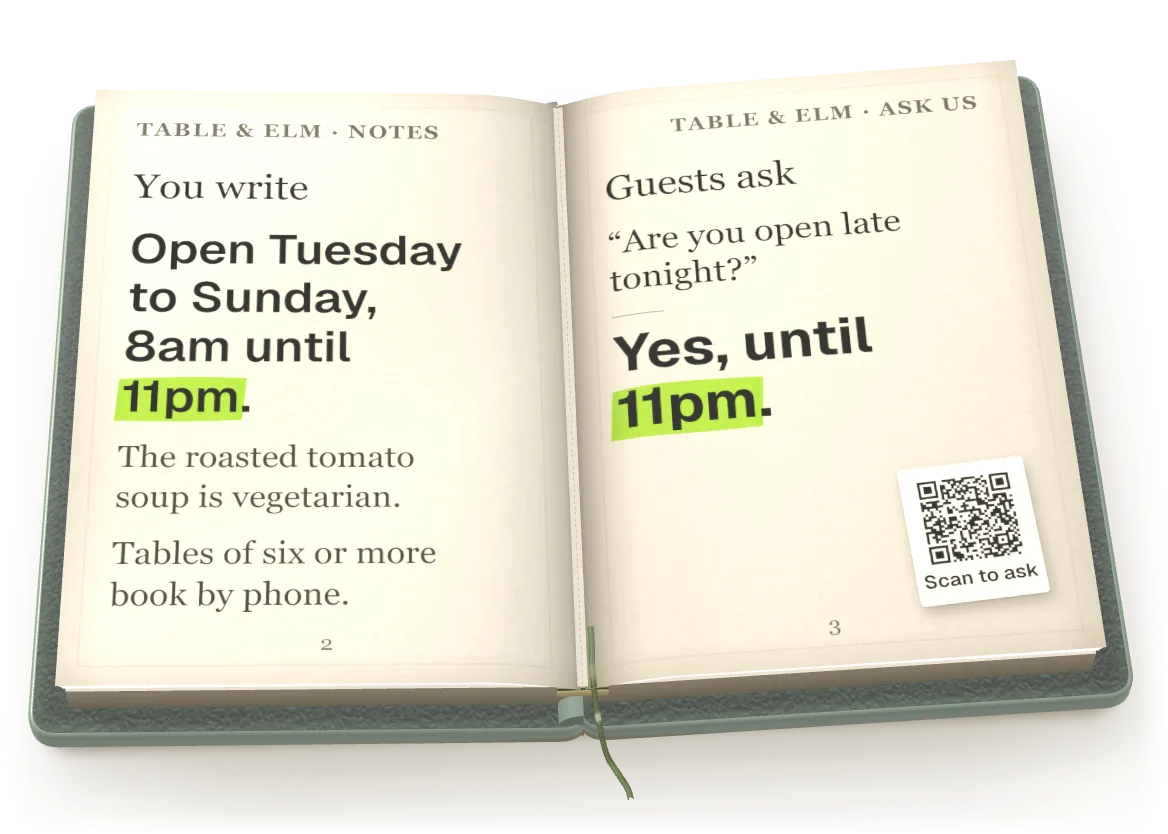
You write it, try it and print it. Then guests ask all service long and get the answer your team would give.
Write what you know.
Fill in the instructions: hours, dietary questions, walk-ins and booking. Add the menu you already have, and dish photos for its cards.
Ask it like a guest would.
Tap a starter question in the preview and see what a guest would get, dish cards with photos and prices included. If an answer isn’t right, change the instructions and ask again.
Print the card.
Make a link and print its table card with the QR code. Guests scan, sign in once with Google or Apple, and ask.
Put your answers on every table.
Write your notes tonight. Print the card tomorrow.